Pick a look, choose your colors, and let Việt take care of the details. Everything already works together.
01 / Pick a look Each look includes matching colors, fonts, and layouts. Choosing a different look replaces your current combination.
Playful Bold & expressive ✓ Selected Elegant Soft & refined Choose look Modern Clean & structured Choose look See all 7 designs+ 02 / Pick your colors ✓
See all 13 colors+ 03 / Make it yours Playful Rose
This is a starting point. Việt can tailor the photos, services, and details to your salon.
I like this design ↗ Opens an email to Việt with your choices. Nothing is sent automatically.
Preview my design ↗ Copy design link
Customize further Optional · fonts and section layouts + You can leave all of these as they are. Adjust them only if you have something specific in mind.
Choose a section to adjust
01 Welcome section↓ 02 About your salon↓ 03 Services & prices↓ 04 Nail photo gallery↓
Font style Aa Designer’s pairingAa Literary serifAa Friendly roundedAa Confident sansAa Clean geometricAa Studio mono
Section layouts Tap a layout picture to apply it and see that section on the page. These are desktop layout sketches; each one adapts to phones.
01 Welcome section The first thing visitors see: “Good nails. Great feeling.”
See this section on the page ↗ Design’s original The original playful arrangement. ✓ Selected · View on page Text above photo A centered introduction with the photo underneath. Try on page ↗ Text over photo A full photo background with your welcome on top. Try on page ↗
02 About your salon The two photo-and-text sections that introduce your salon’s style and care.
See this section on the page ↗ Design’s original The original playful arrangement. ✓ Selected · View on page Photo above text A large photo followed by a centered introduction. Try on page ↗
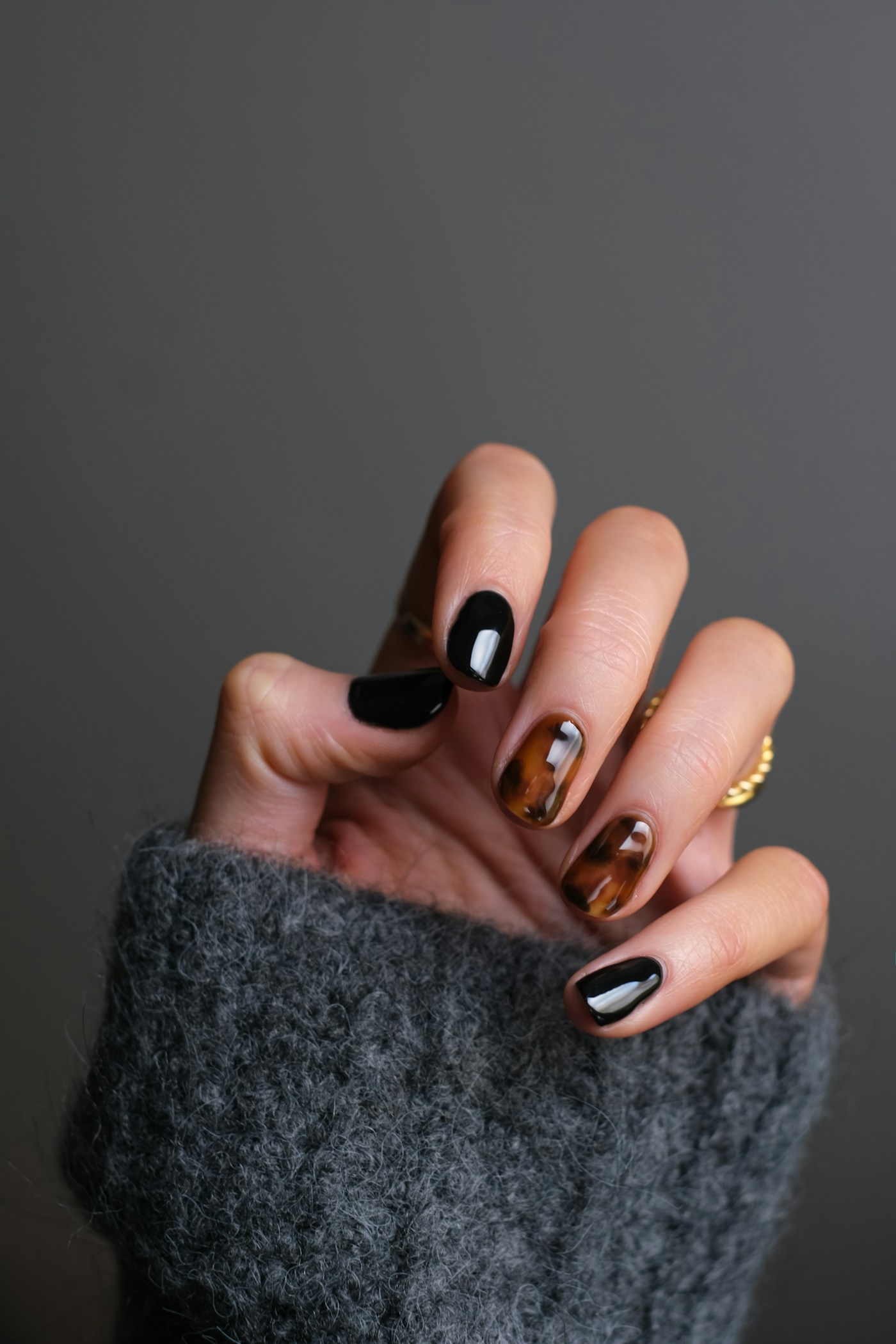
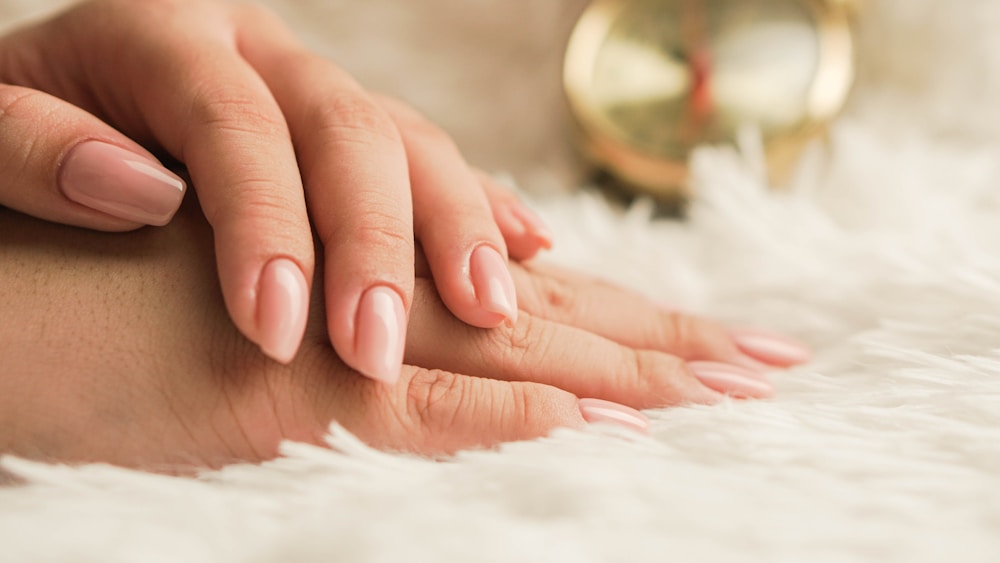
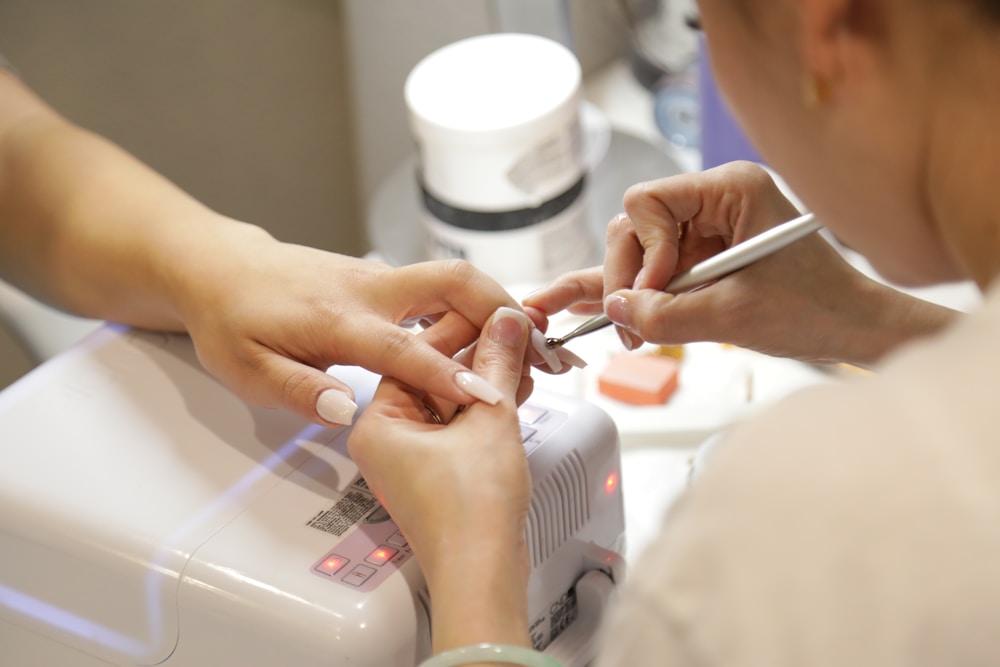
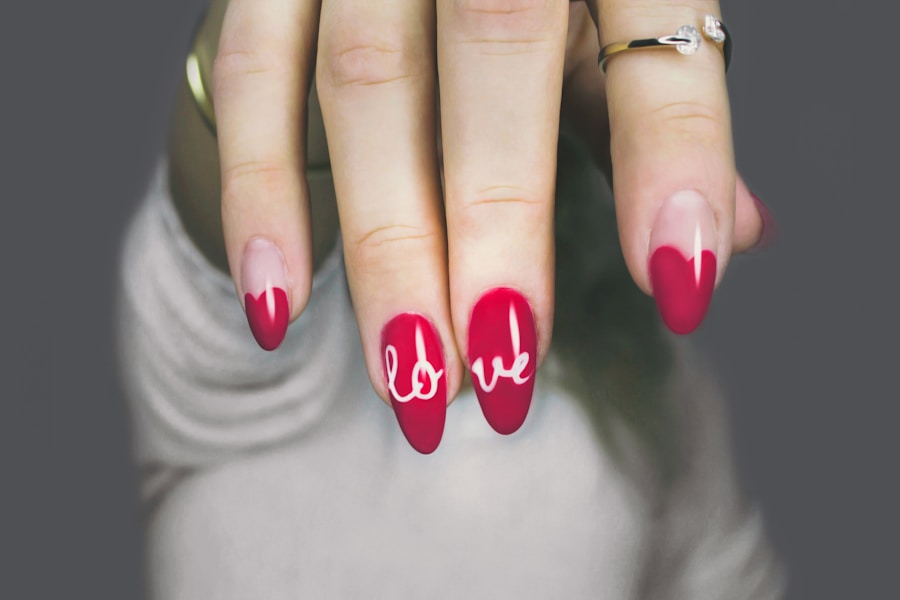
04 Nail photo gallery The four inspiration photos below your service menu.
See this section on the page ↗ Design’s original The original playful arrangement. ✓ Selected · View on page Even-size grid Four equal photos across; two across on phones. Try on page ↗ Featured photo One large photo, two small photos, then a wide photo. Try on page ↗
Reset to original look Preferences are saved in this browser. This is a design demo, not a booking form.